Here are some much needed updates.
The PCBs
The PCBs for the keyboard arrived quite some time back. They were manufactured by Lion Circuits
here in Bangalore.
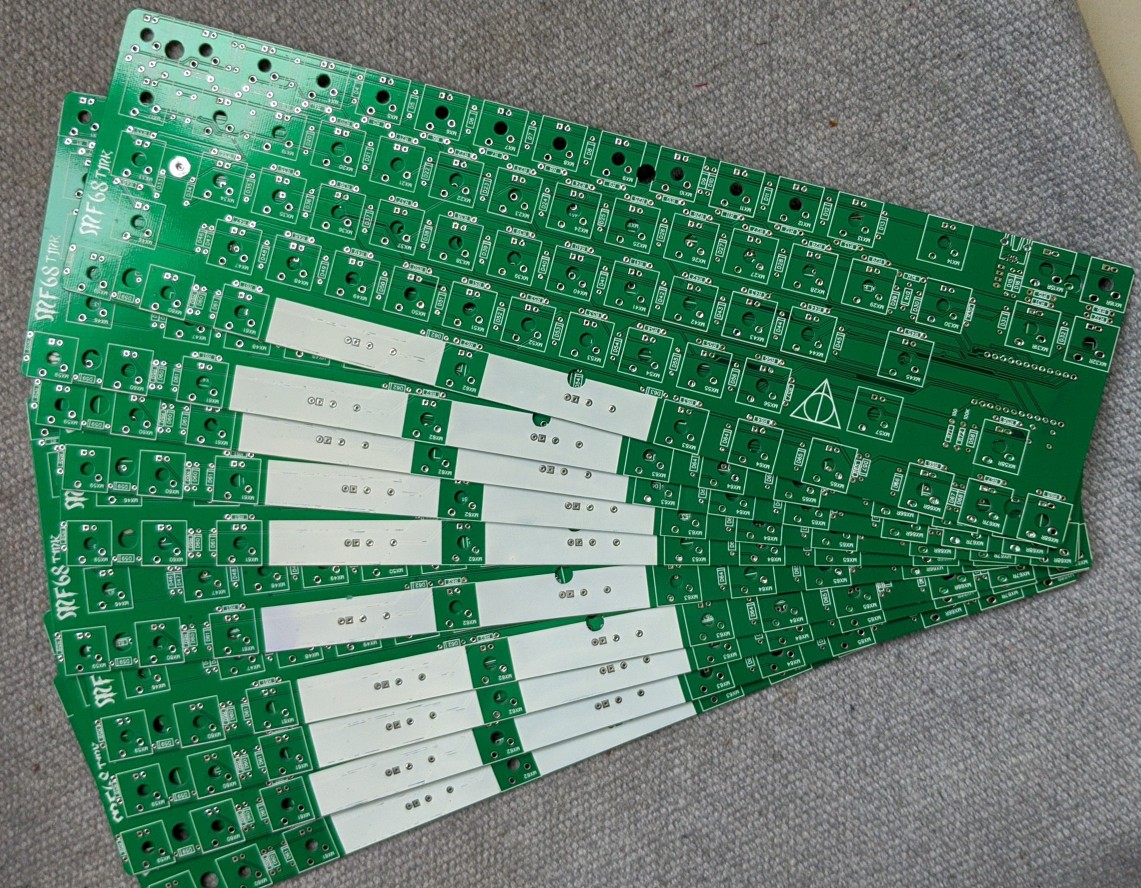
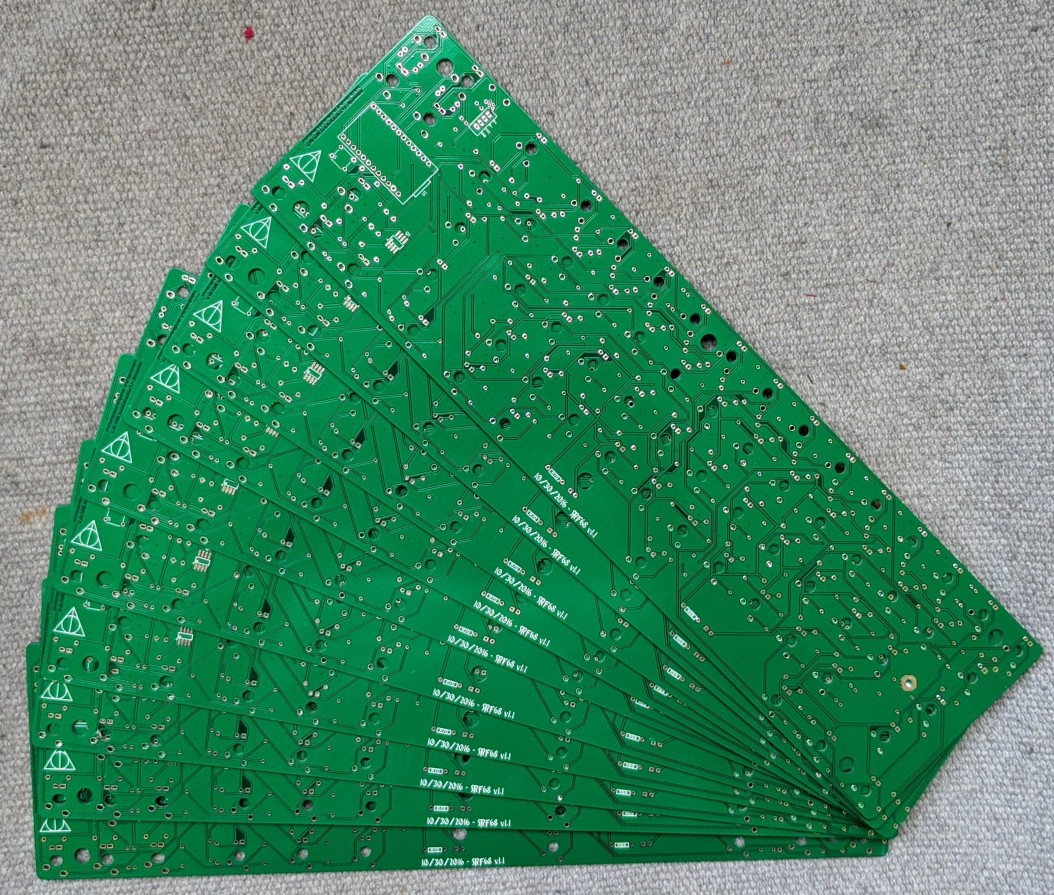
The PCB design shared as a part of the 68keys.io project was exceptionally good and useful. With minor adjustments on the side of the PCB manufacturer.
The Plates
The next step is to get the plates made. One of the simplest ways of making a keyboard is to build a “sandwich case”. That includes a switch plate on the top, spacers in the middle and a plate at the bottom. Here’s what the SVG vector design looks like (design was output using the builder.swillkb.com service).
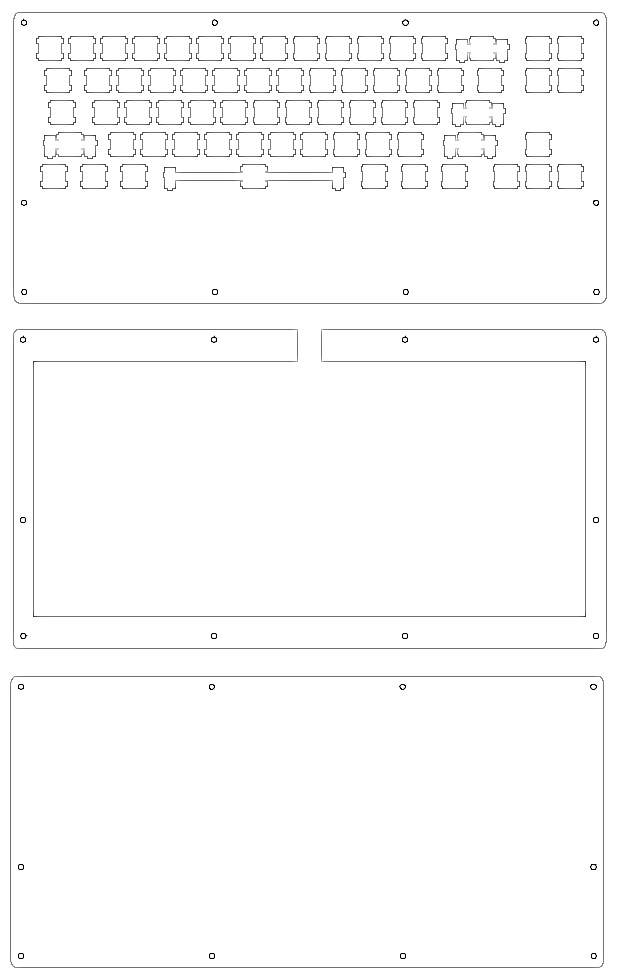
I modified the SVG designs generated by the case builder above to include a very useful wrist rest. Unfortunately, its something that missing from most keyboard case designs.
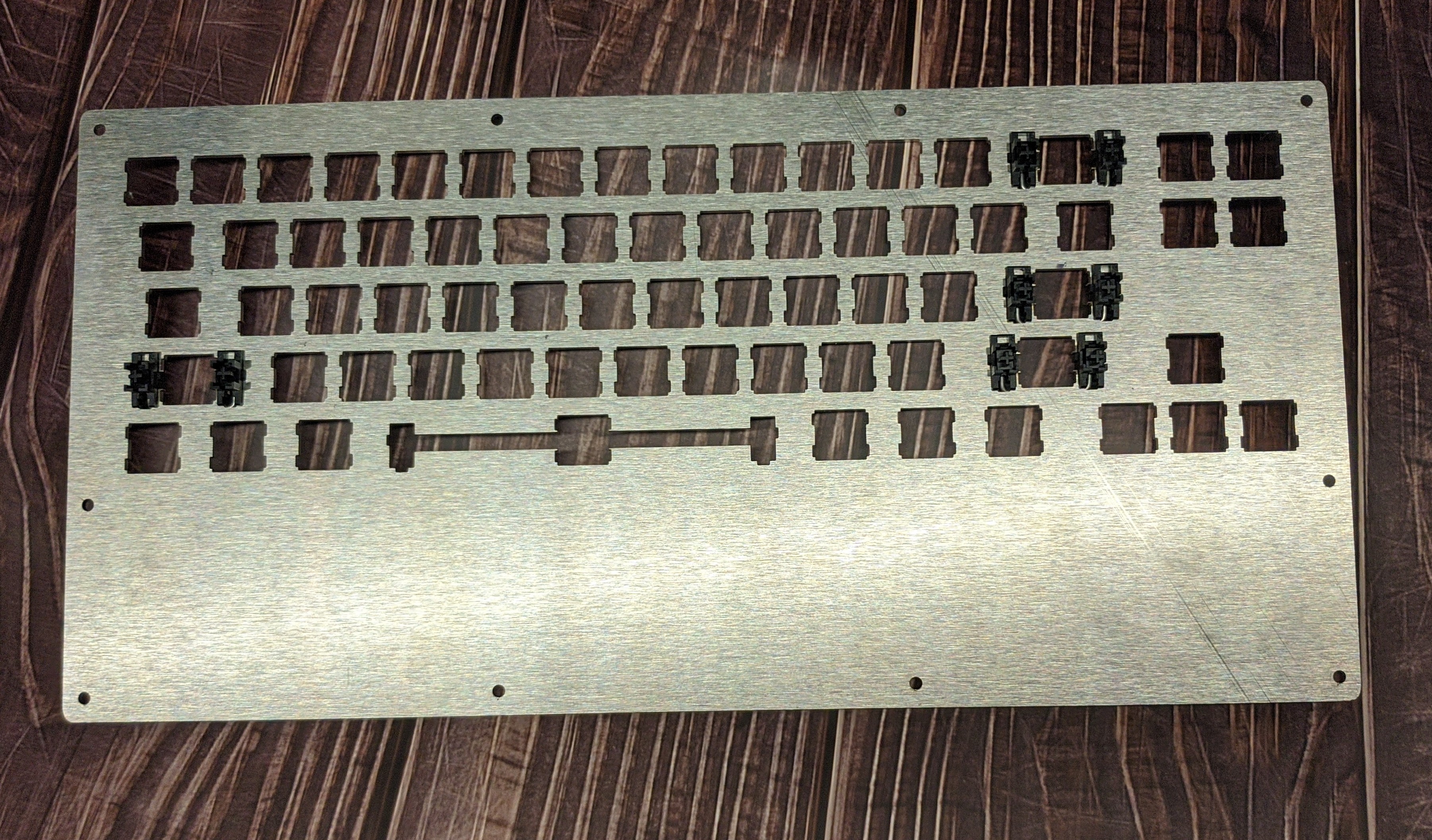
After much searching, I found a service provider who agreed to cut a couple of prototype plates. Most others wanted bulk orders. And many of them didn’t do laser cutting on steel. This is what the wonderfully and accurately cut plates look like with a brushed metal finish in stainless steel:
The Assembly
After adding switches to it:

The Final Result
And here is what a fully assembled and working keyboard would look like:
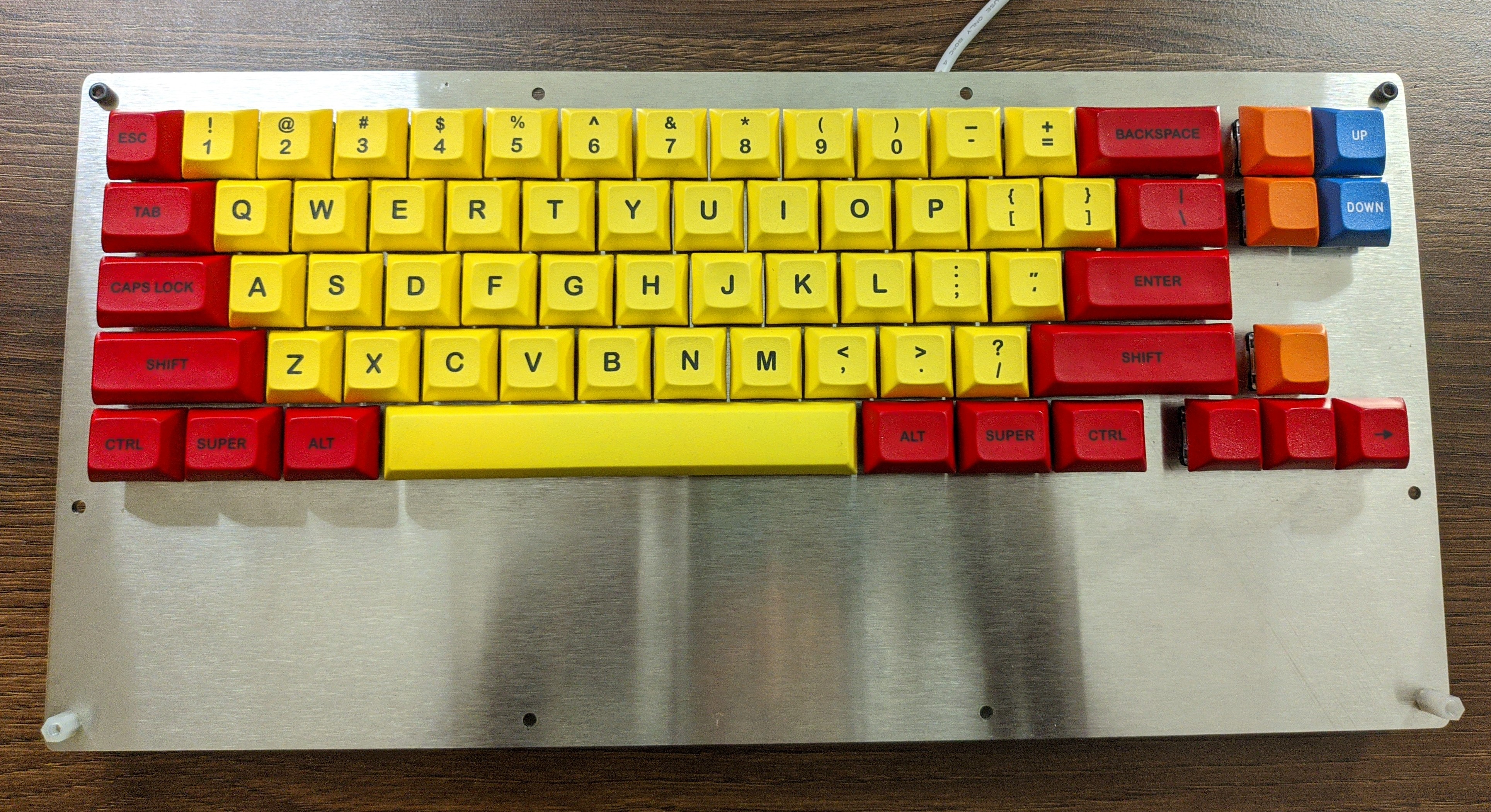
The plates are 2mm stainless steel and that makes them very heavy! In fact the entire keyboard is almost as heavy as a laptop. The next prototype will be lighter with 1mm or 1.2mm stainless steel plates.
Next Steps
However, the keyboard is working now. And so the last step before it can be usable by all of us is to cover all the pending rough edges:
- Acrylic spacers
- RGB backligting
- Stand-offs and M3 screws to hold things together
- (Non-Slip) Feet for the keyboard (also so that it has a gentle tilt)
I have Cherry MX Blue switches in stock now and will use them for the next prototype. Lets see how that turns out. Remain posted for updates here!